A Step-by-Step Guide for Educators, Trainers, and Curious Builders
Turning a messy real-world problem into a digital simulation might sound like something only a specialist instructional designer could do. That used to be true. Then AI came along, and suddenly the gap between “I have an idea” and “I built an interactive AI-driven chat simulation” got dramatically smaller. Whether you're designing a classroom activity, building a corporate training scenario, or experimenting with digital storytelling, you can now turn almost any situation into an interactive case using LiveCase’s DIY & AI authoring tools. This guide walks you through the process step-by-step, showing how to go from raw notes and an idea to a playable simulation within a day.
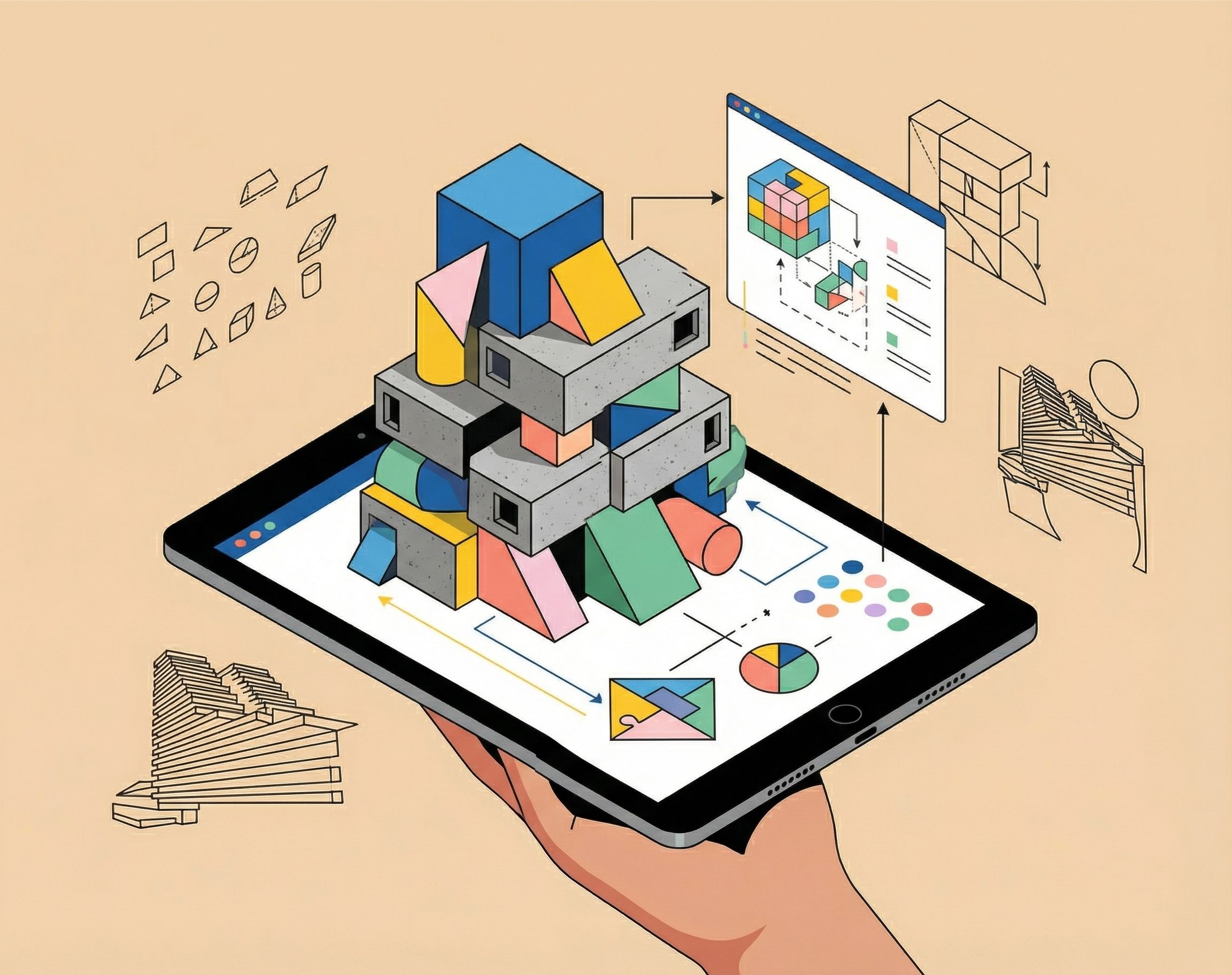
You can upload two or three pages of source material, anything from an article to your own notes, and AI will extract learning objectives, dilemmas, and even scene structures for immersive experiences. You get a working draft in minutes, ready to tweak and personalize.
DIY authoring is free because LiveCase wants creators to build without limits or barriers to interactive learning. Costs only apply when learners engage with the material.
Why Combine DIY with AI?
DIY projects have always been about taking ownership, building, experimenting, and personalizing. AI adds a new layer: responsiveness. Your project can now adapt, learn, and even interact with people intelligently. Imagine not just making something functional, but something smart.
AI can analyze, automate, and augment your ideas, transforming static creations into living systems.
Why Real-World Problems Make Great Simulations
Simulations work because learners must gather information, weigh tradeoffs, consider human motivations, and make decisions with consequences. A strong simulation lets people practice decision-making with low risk, experience complexity instead of reading about it, see how choices shape outcomes, and learn through immersion rather than memorization. Thanks to AI, building these experiences is now accessible to anyone.
Getting Started with AI in DIY
Step 1: Start With a Real Situation
Choose a real-world challenge your audience actually encounters, such as managing team conflict, responding to a public health scenario, deciding on sustainability tradeoffs, or helping a startup survive a strategic dilemma. You don’t need a polished narrative. Two or three pages of notes, a news article, a case study to write or even a messy document is enough for AI to work with.
For best practices, include a dilemma, learning objectives, best practices, common pitfalls and a framework. You can even feed your notes to AI and ask it to create this for you.
Step 2: Upload Your Source Material Into LiveCase
Using LiveCase’s DIY & AI feature, upload your text. Using a 45 step program, the system uses your information to propose character roles, generates a scene structure, and builds branching choices and consequences. This transforms your raw idea into a functional simulation draft.
Step 3: Let the AI Generate a Working Draft
Once uploaded, LiveCase’s AI produces a complete interactive case in 15 minutes. You’ll receive a narrative introduction, multiple scenes and decision points, character dialogue, learner choices, potential outcomes, and optional scoring or feedback. This draft gives you 70 to 80 percent of the final product instantly so you can focus on refinement.
Step 4: Refine and Personalize the Simulation
This is where your expert touch matters. Adjust tone, ensure accuracy, improve realism, rebalance difficulty, and fine-tune consequences or feedback. Treat it like any DIY project where AI handles the bulk of the construction and you bring craftsmanship, nuance, and authenticity. The platform is no-code authoring, so you only need to click and point to edit.
Step 5: Test the Simulation
Once you are happy with the output, run through the case as a learner. Check whether choices feel meaningful, scenes are clear, the story reflects real practice, and the pacing feels right. A few quick test runs dramatically improve clarity and user experience.
Step 6: Publish and Share
When ready, publish your LiveCase to save any changes. Share it via link or QR code as part of a classroom or workshop activity.
Examples of Real-World Problems You Can Turn Into Simulations
Ethical Decision-Making: A leader chooses between transparency and maintaining morale.
Crisis Response: An operations team handles an unexpected failure.
Customer Experience: A frontline employee manages conflicting customer needs.
Social Impact Strategy: A nonprofit balances short-term funding with long-term mission. These scenarios create strong simulations because they mirror challenges learners genuinely grapple with.
Challenges to Keep in Mind
Technical Curiosity: You don’t need to code, but a willingness to experiment helps. LiveCase is built for non-technical creators, keeping the workflow simple.
Ethical and Privacy Considerations: If your materials contain sensitive information, change names, avoid identifiable details, and generalize where needed. Responsible design makes simulations both safe and effective.
Transforming a real-world challenge into a digital simulation is no longer reserved for experts. With LiveCase’s DIY & AI tools, you can upload a few pages of content and convert them into an immersive, interactive learning experience in minutes. You’re not just teaching information; you’re helping learners practice judgment, explore consequences, and engage deeply with real complexity. The future of learning is built, shared, and experienced through simulations you can now create yourself.
Start creating your own case here.
